What to check before watching a live event
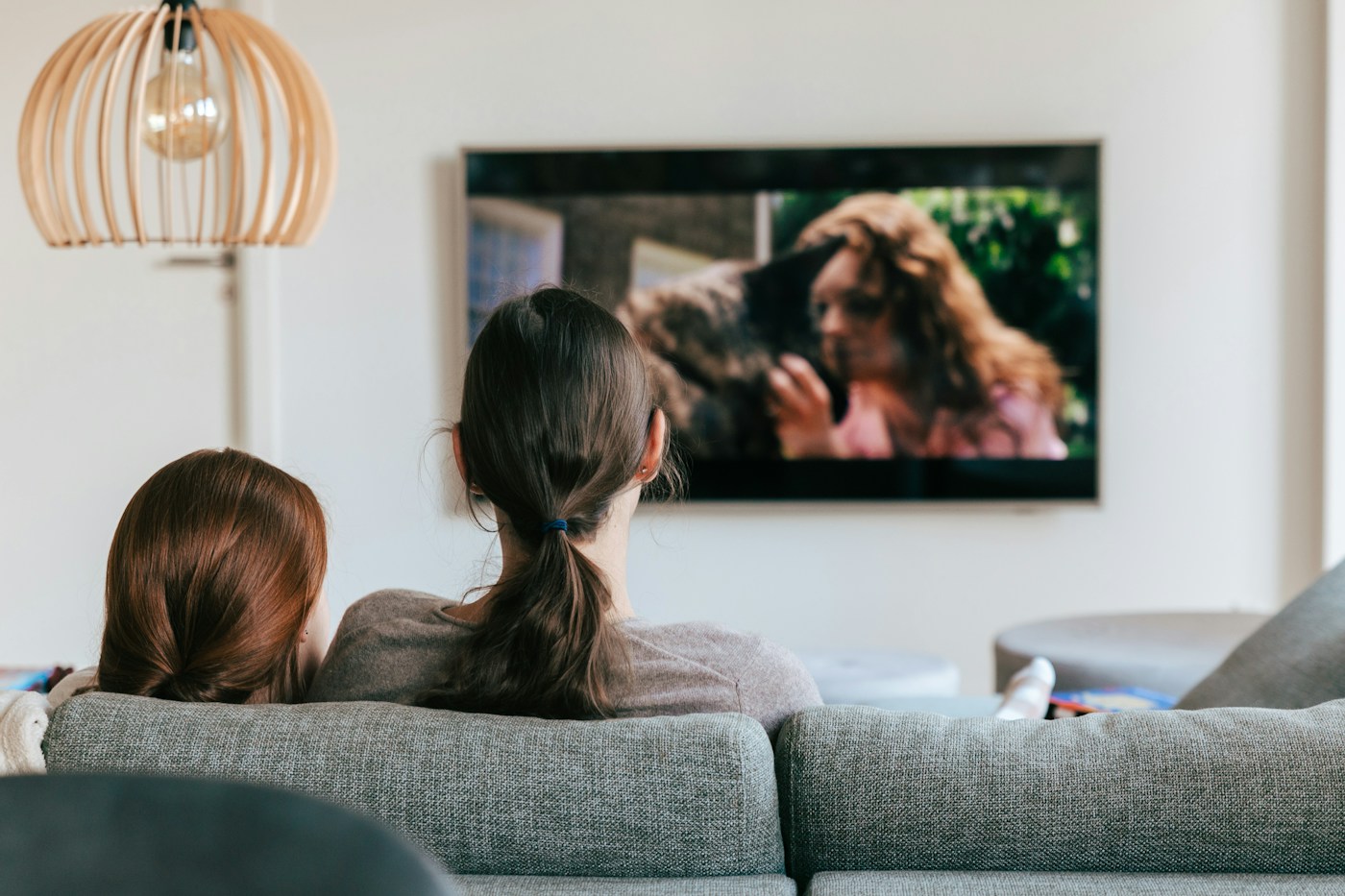
A little preparation is easier than troubleshooting after an event starts. Check the official event listing for the date, start time, language feeds and access requirement.
Prepare the device
Confirm your account is signed in on the screen you will use. Check for an official app update early enough to address any sign-in issue. Make sure the selected plan supports that device.
Check the connection and audio
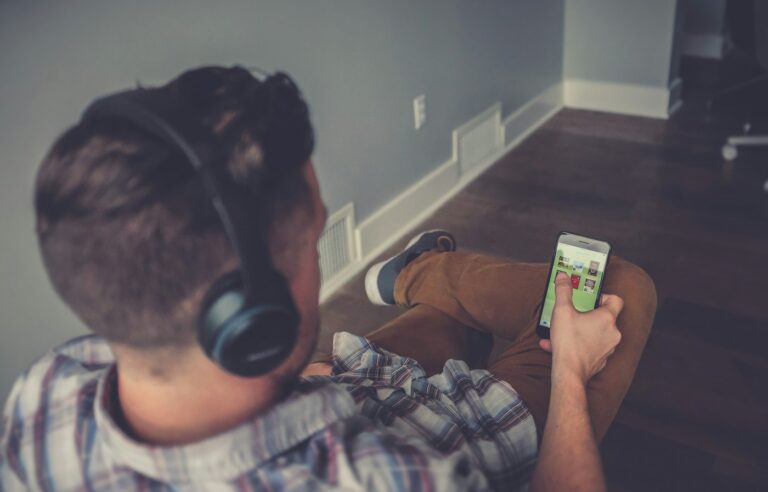
Try a short programme on your normal connection and confirm the speakers or headphones work. Keep a charger available if you expect a long session.
Set realistic expectations
Live streams can differ in delay and available controls. Advertising may be treated differently from on-demand entertainment. Read the relevant plan description and avoid promising yourself an experience the service has not offered.